

Reference

smm24 App — Your Lobby From Any Phone

smm24 runs through your mobile browser without needing a separate download — open the site, log in, and the full lobby loads on your screen.

mobile browser accessaccount dashboard checkdevice continuityavailability in eligible regionsquick returning-user login
smm24 smm24 App — Your Lobby From Any Phone
smm24 Features Built Around Your Phone Habits

Features Built Around Your Phone Habits

Open smm24 on your phone and you get the same lobby your desktop shows — live casino tables from Evolution, slots like Gates of Olympus and Mahjong Ways, and the sportsbook where cricket markets including BPL and international fixtures sit front and centre. Push notifications let us flag account activity so you are not caught off guard. Quick deposit from the wallet

screen means you can top up and head straight to a table without reloading the page. Fingerprint or face-unlock login removes the PIN step for returning visits, cutting the time between opening the app and placing your first bet on a session.
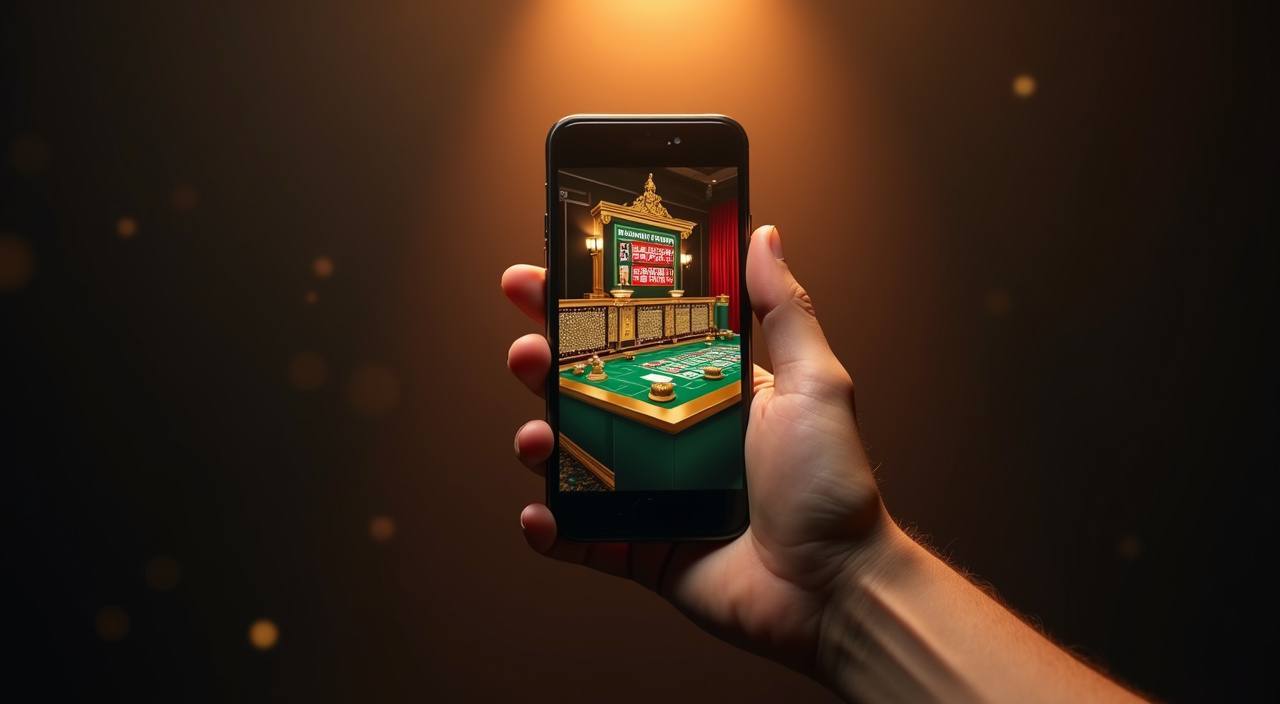
smm24 Mobile Access in 3 Steps

Mobile Access in 3 Steps

No app store search needed for browser access. Open your phone's browser — Chrome on Android and Safari on iOS both work well with the smm24 layout. Head to smm24 and the site detects your screen size, switching to the mobile layout automatically. From there, log in with your account credentials or use the biometric option if you have set it up

previously. Once inside, the lobby, wallet and live tables are all accessible from the bottom navigation bar. If a native app build is currently offered for your device, a prompt appears after login directing you to the relevant download or install path.

  • Open smm24 in your browser — Chrome or Safari on any modern Android or iOS device loads the mobile layout without any extra configuration needed.
  • Log in or check app availability — Sign in with your credentials. If a native build is live for your device type, the post-login screen will show the option to get it.
  • Enable biometric and notifications — After first login, the settings screen lets you switch on fingerprint login and push alerts so future sessions are faster and you stay informed.

What Devices Work With smm24

Browser-based access covers a wide range of devices. Here is what to check if you want smooth performance on your specific phone or tablet.

Android Browser SupportChrome on Android is the path we see fewest issues with. If you are on a budget Android handset, keep Chrome updated and clear cached data if the lobby feels slow.
iOS Browser SupportSafari on iPhone and iPad handles the mobile layout well. Third-party browsers on iOS work but Safari remains the most consistent choice for live table sessions.
Screen Layout AdjustmentThe lobby switches to a single-column card layout on screens under seven inches. Portrait mode is the intended orientation; landscape still works but some menu items shift.
Account RequirementsYou need a verified smm24 account to access the full lobby. Email or mobile number verification completes during registration and unlocks wallet and deposit features.
How to Check Currently Supported DevicesThe device support section inside account settings lists what the current build is compatible with. Check there before contacting support if you hit a display issue.
APP FEATURES SNAPSHOT

Four Things That Make Mobile Smoother

These are the specific in-app behaviours smm24 keeps consistent across Android and iOS browsers — practical details that matter when you are mid-session on a phone screen.

Biometric Login Use fingerprint or face recognition to skip the PIN on return visits. Your session picks up where you left off without re-entering credentials each time.
Push Notifications Account alerts come through as push messages — deposit confirmations, withdrawal status and any active promotion updates land on your lock screen.
Dark Mode Display The interface adjusts to your device dark-mode setting automatically. Late-night sessions on a live table are easier on the eyes without manual tweaking.
Lobby Preview Cache Recent lobby state is cached so the game grid appears before full page load completes. You can scroll and pick a game while the rest of the page catches up.

Common Questions About the smm24 App

Straight answers to what people ask about accessing smm24 on mobile — account flow, device behaviour and what to do when something does not load as expected.

Whether a native build is currently available depends on your device type. Log in to your smm24 account and check the device access section — it shows the current status for Android and iOS.

Yes. smm24 runs through your mobile browser. Open smm24 in Chrome or Safari, log in, and the full lobby including live tables and slots is accessible without any install.

After logging in on your phone, go to account settings and look for the biometric login option. Enable it there and your device handles the fingerprint or face-unlock step on future visits.

Your account state — wallet balance, bet history and active rounds — stays the same across devices. Log in on desktop after a phone session and everything is where you left it.

A slow load is usually a browser cache issue. Clear your browser cache, make sure Chrome or Safari is updated, and reload smm24. A stable data or Wi-Fi connection also helps live table streams.

Yes. The wallet screen in the smm24 mobile layout shows bKash, Nagad and Rocket as deposit options. Select your preferred rail, follow the steps shown, and the balance updates in your account. Availability depends on eligible regions and local conditions.
Reference

smm24 App

Service availability depends on eligible regions and local law. Users should check local rules before opening an account.

Access may be available only where local law permits.